 Menu Bar System Monitor
Your Mac's vital signs, one glance away.
CPU per core, memory pressure, network, GPU, disk and battery health in the menu bar. Click for the details, keep 7 days of history, put widgets on your desktop. It uses about 10 MB of memory and collects nothing.
Download on the Mac App Store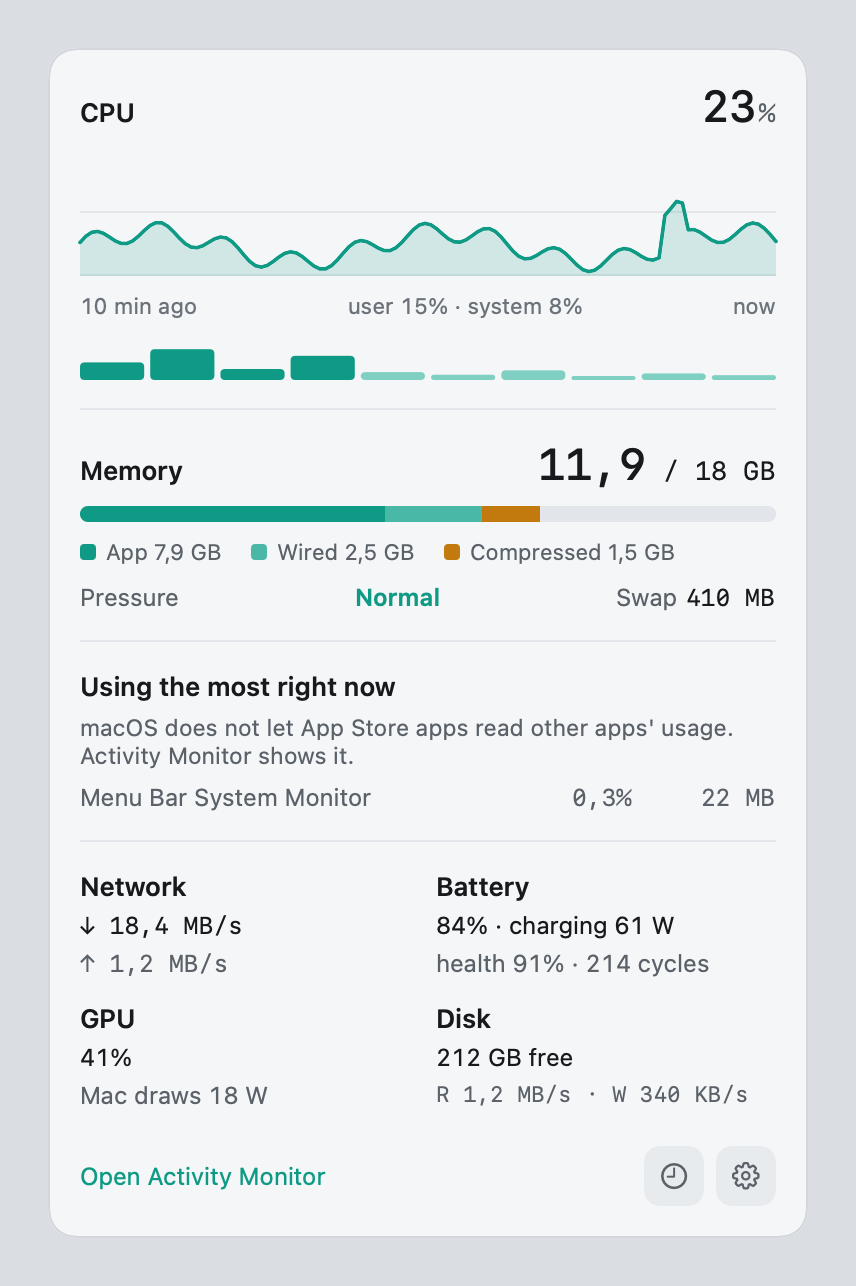
Everything you check Activity Monitor for, without opening it
Read top to bottom: is the Mac busy, is memory tight, where is the time going.
CPU, honestly
Total load over 10 minutes, user and system split, and a bar for every core, performance cores first.
Memory pressure
App, wired and compressed memory the way Activity Monitor counts them, plus swap and the pressure macOS itself reports.
Network and disk
Download and upload speed, free space the way Finder counts it, and read/write speed.
GPU and power
GPU load and how many watts the whole Mac draws right now.
Battery health PRO
Charge, charging watts, health against design capacity and cycle count.
Fits the notch
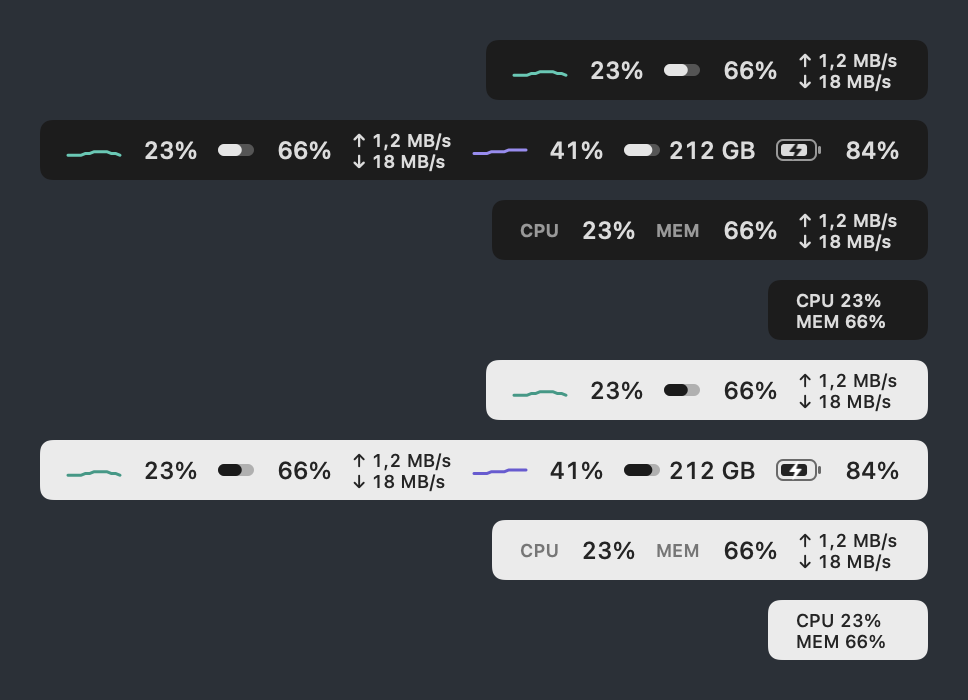
Fixed-width items that never jump around, and a compact mode for MacBooks with a notch.
Widgets, history and alerts PRO
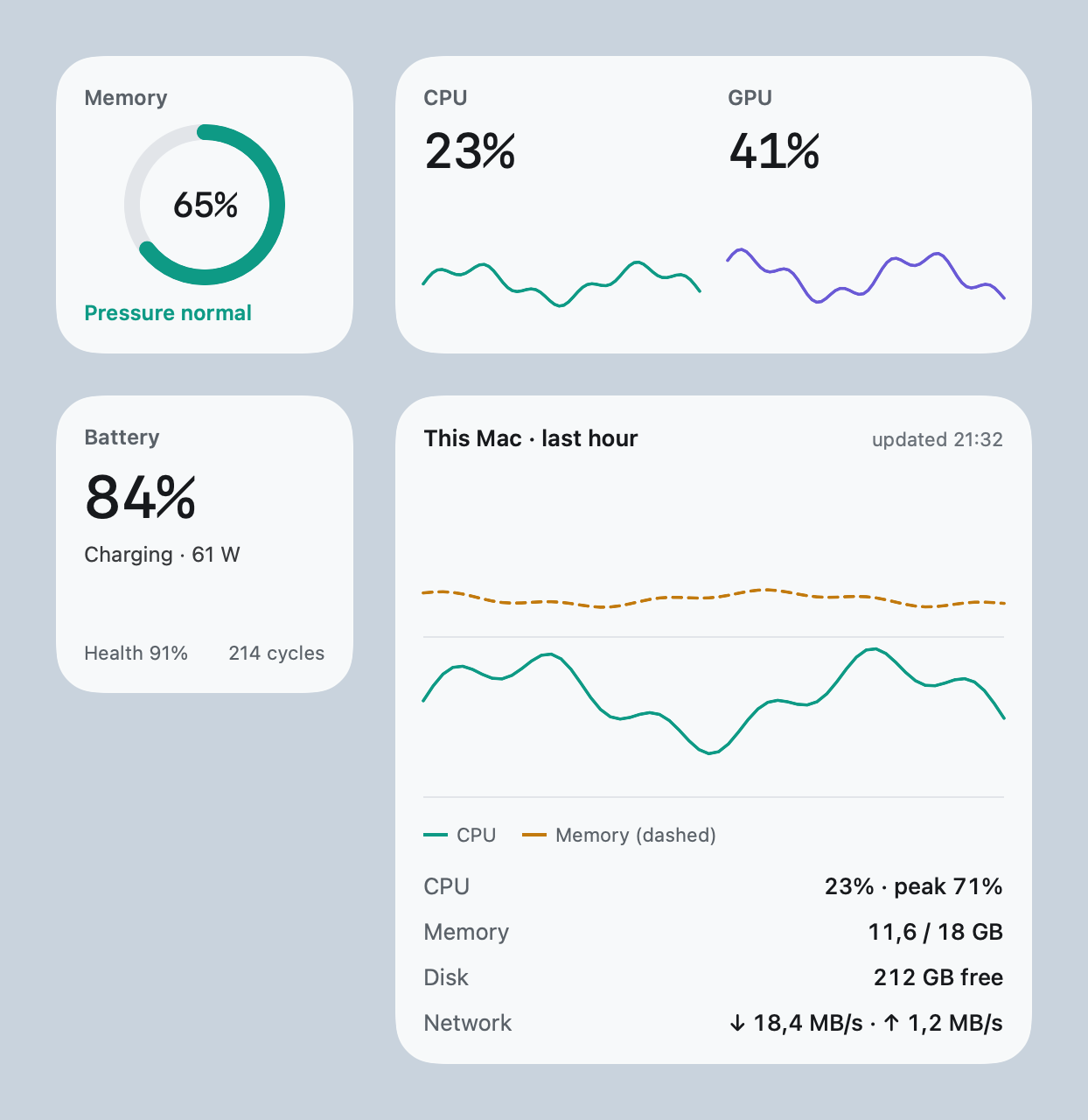
Four desktop and Notification Center widgets. History from one hour to seven days, kept only on your Mac. A notification when memory pressure turns red, the startup disk is almost full, the battery runs low or the Mac goes offline, once each, never a stream.
And a small overlay above full-screen games and streams. Clicks pass through it and it never takes focus.
Light by design
A monitor should not be the thing slowing your Mac down. Measured on the release build:
memory with only the menu bar item
CPU in the background, refreshing every 2 seconds
while the display sleeps: nothing is read
Free, with a one-time Pro
No subscription. Pro is a single in-app purchase.
| Free | Pro | |
|---|---|---|
| Menu bar items | Up to 3: CPU, memory, network | All six (adds GPU, disk, battery), any order, compact mode |
| Panel | Live details | Plus battery health and cycles |
| History | – | 1 hour, 24 hours, 7 days |
| Widgets, alerts, overlay | – | Included |
Private
The app has no network access, no account and no analytics. Everything it reads stays on your Mac. Details in the privacy policy.